
Travel planning web app
ROVEYA
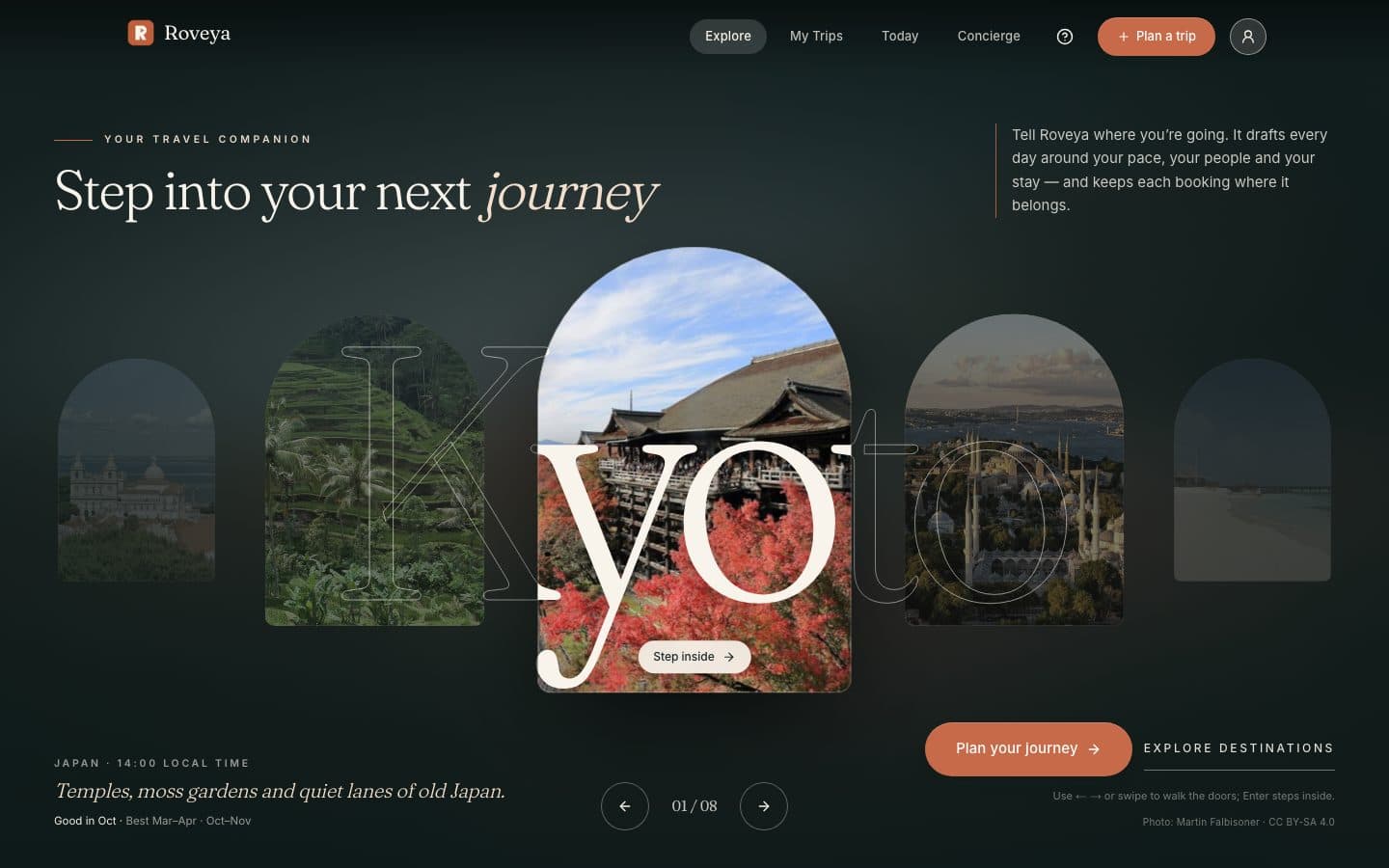
ROVEYA turns a destination, dates and a few preferences into a day-by-day plan that travellers can adjust, see on a map and share with the people they travel with.
- Client
- To be confirmed
- Our role
- Product design and development
- Services
- Status
- In development
The brief
Planning a trip usually means juggling notes, maps, bookings and group chats. The aim was one calm place to plan each day, see it on a map, and keep the practical details next to the plan: budget, checklist, documents and reservations.
ROVEYA is a web app for planning trips, designed for the phone first and extended to tablet and desktop. It is in active development and not yet open to the public.
What we built
Each trip has a hub with Days, Overview, Prepare and Together tabs. Travellers swipe between days, reorder stops, open the day on a map, and keep budget, checklist, documents and reservations in the same place. Trips can be shared with a link or planned together as a group.
1 of 4
A guided planner
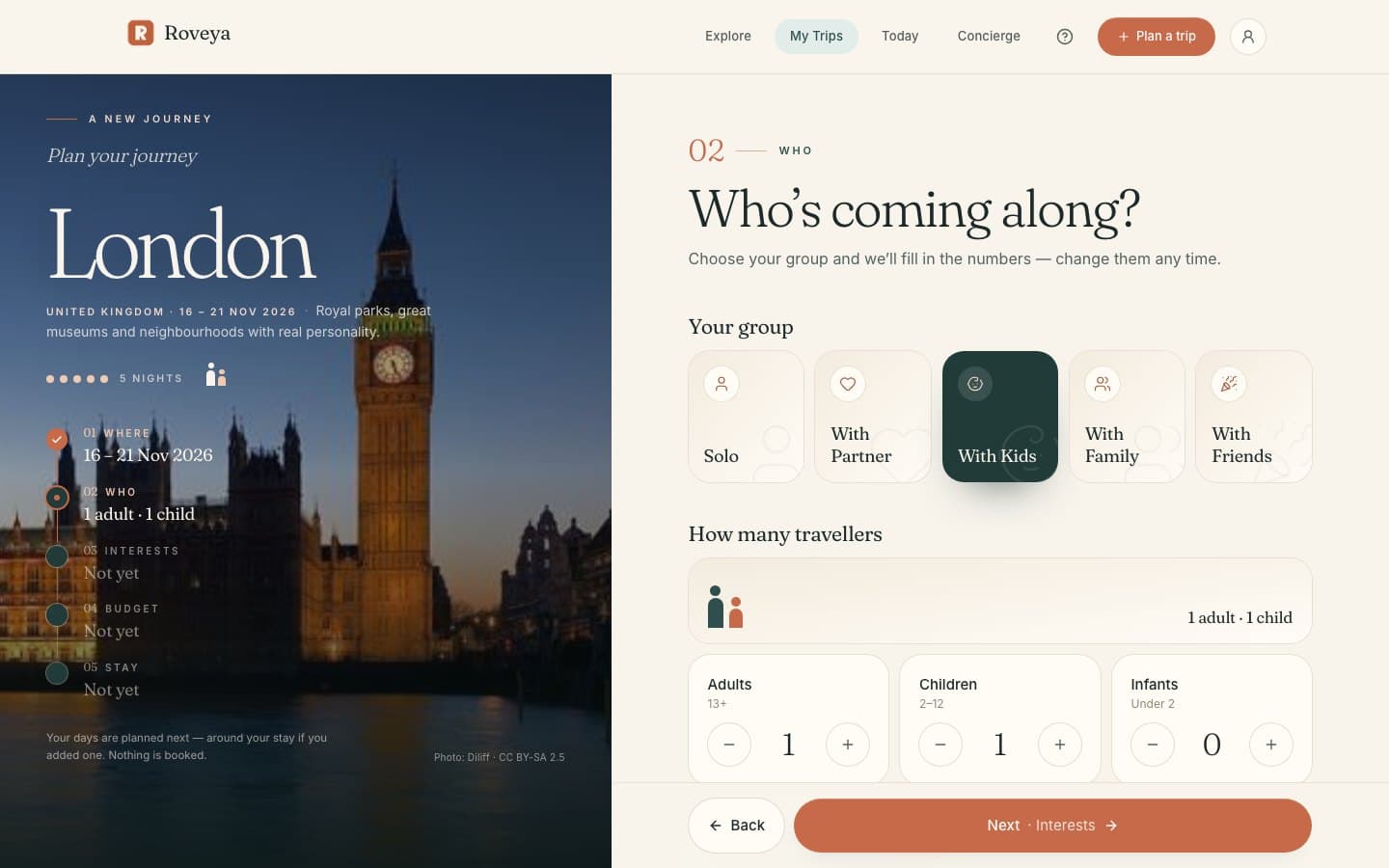
Five short steps (where, who, interests, budget and stay) replace one long form. A running summary of the trip stays beside every step, so travellers always see what they have chosen.
2 of 4
A plan for every day
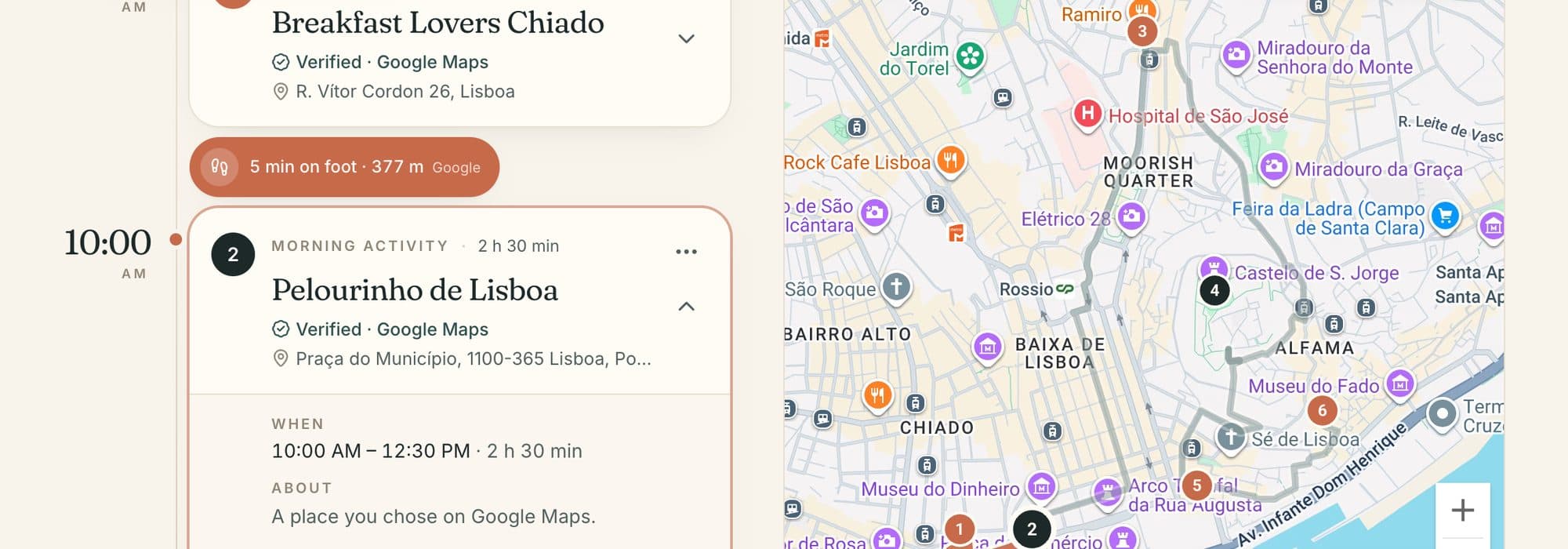
Each trip has a page for every day. Stops have times, can be reordered or replaced, and show the walking time to the next one. Places are checked against Google Maps.
3 of 4
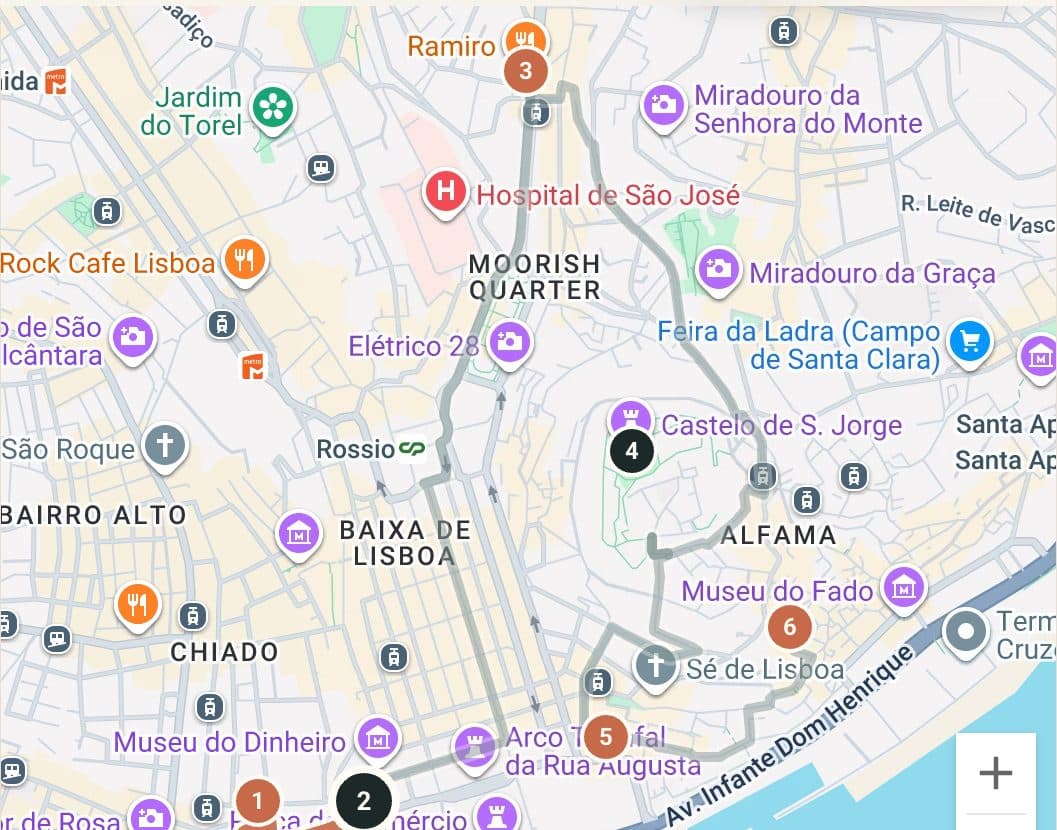
Every day on a map
The day's stops appear in order on a map, with the route between them, using Google Maps Platform where it is switched on.
4 of 4
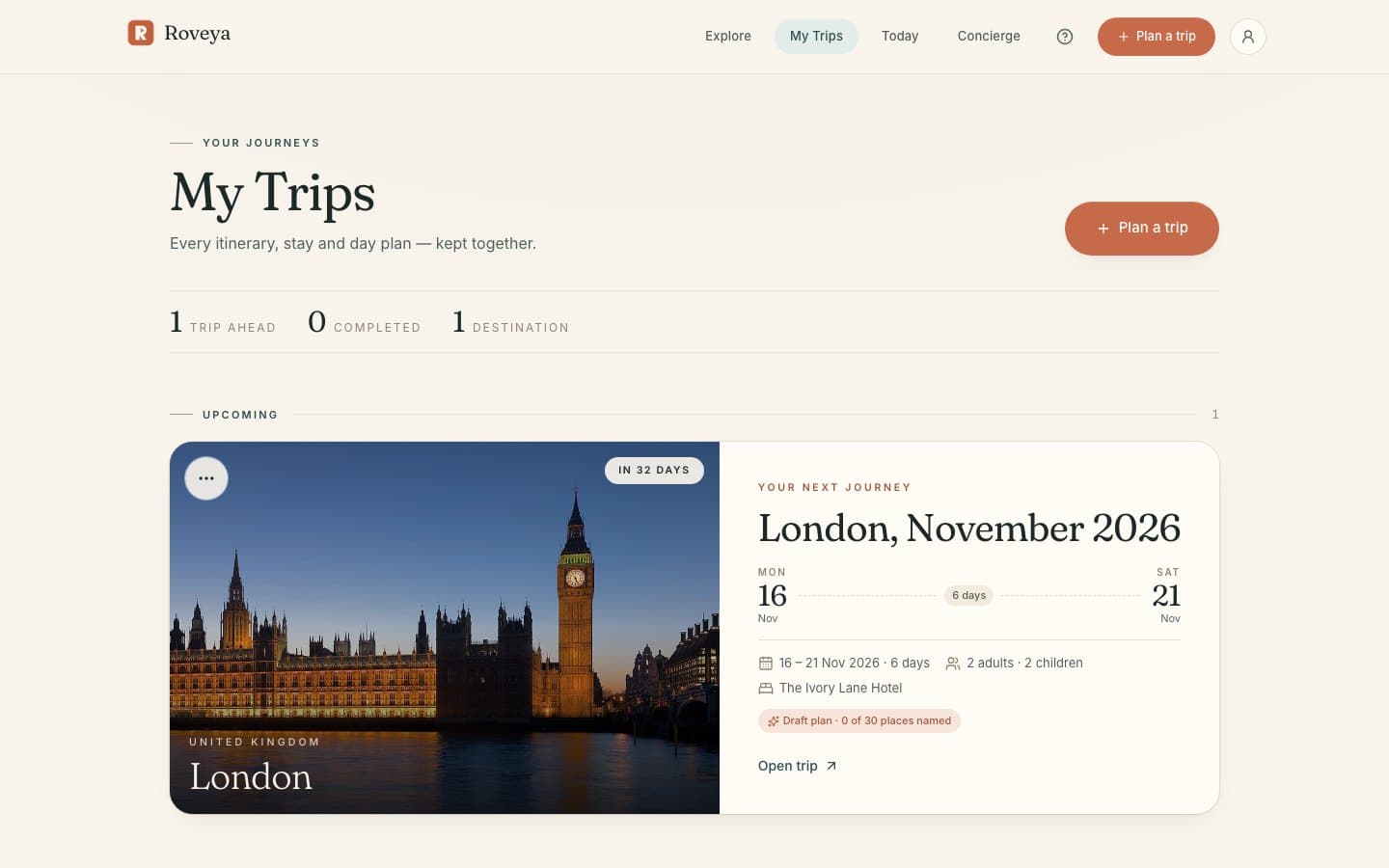
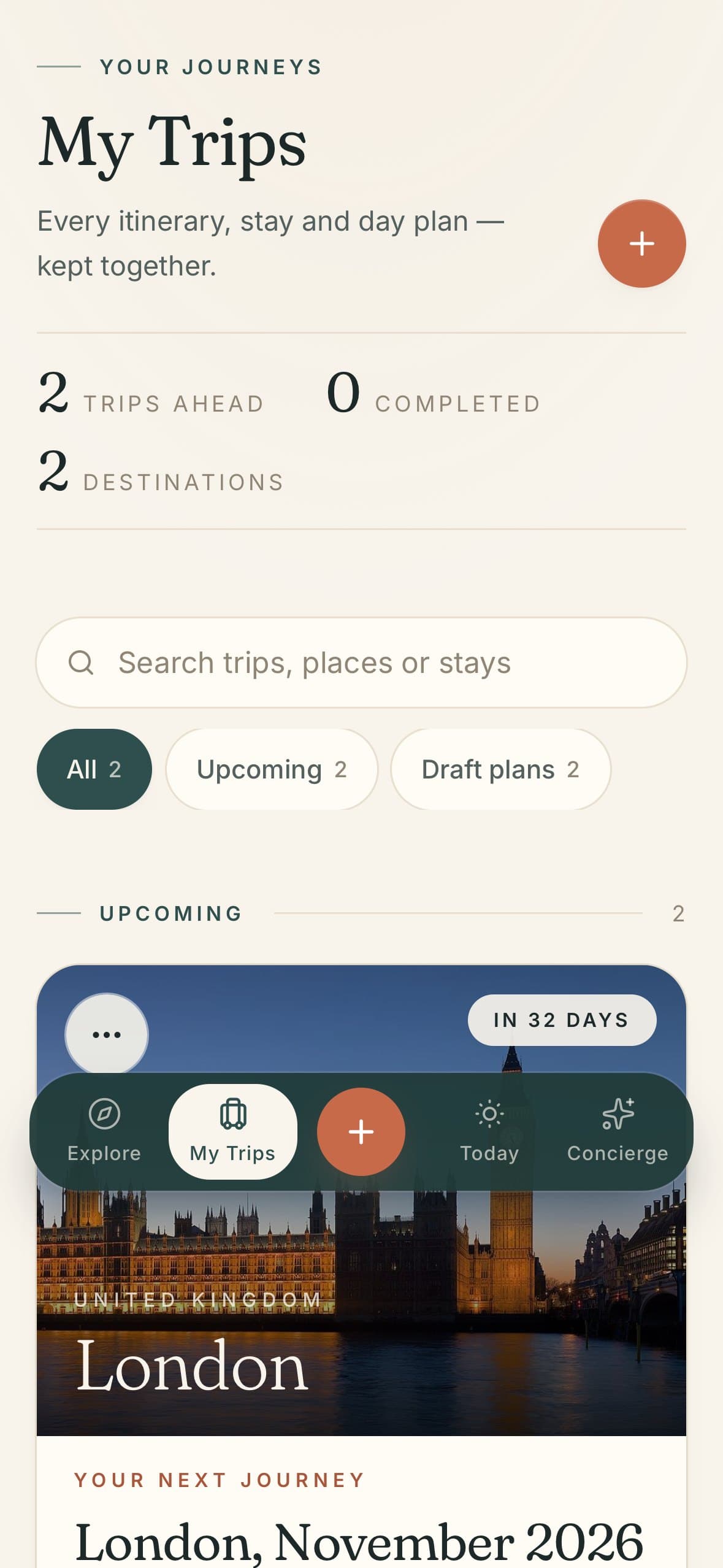
Every trip, on every screen
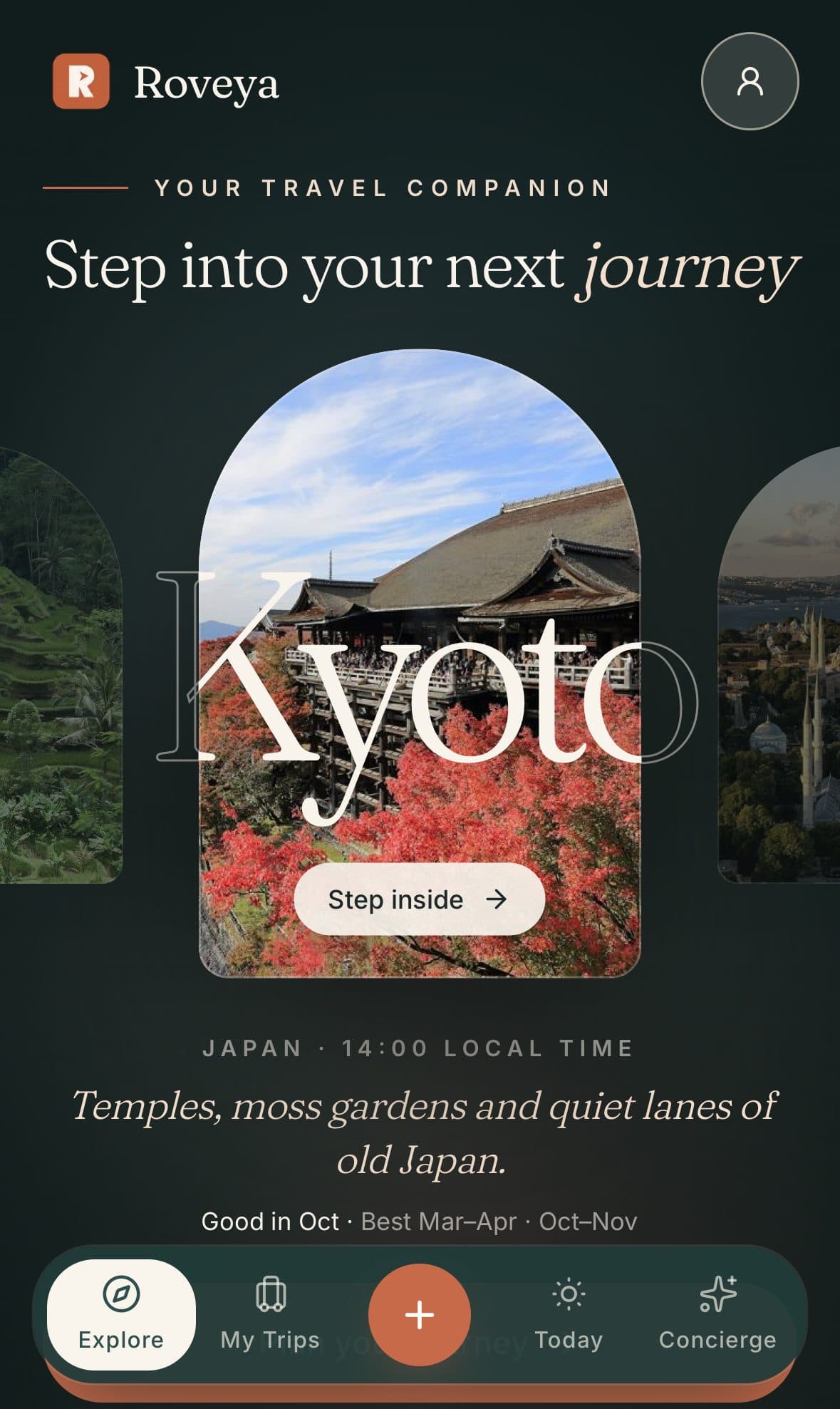
My Trips keeps itineraries, stays and day plans together. Screens are designed for one-handed use on the phone first, then extended to tablet and desktop.
Everything in it
Guided trip planner
Destination and dates, travelling group, interests, budget and stay, one step at a time.
Day-by-day itineraries
A trip hub with a page for each day, swipeable on the phone, with stops that can be timed, reordered and replaced.
Maps and routes
Each day's plan on a map with routes between stops, using Google Maps Platform where it is switched on.
Destination discovery
Explore and Discover pages and destination guides to help choose where to go.
Trip tools
Budget, checklist, documents, essentials and reservations, including reading details from booking confirmations.
Travelling together
Group trips with invitations, and read-only links to share a plan.
Personal taste
Saved travel preferences that shape suggestions.
Installable app
Can be added to the home screen as a web app (PWA).
How we approached it
Phone first
Screens are designed for one-handed use on a phone, with bottom sheets and a fixed tab bar, then extended to tablet and desktop layouts.
Honest by design
When a live service is switched off, the app says so plainly instead of showing invented results.
Tested at real sizes
Automated browser tests capture the key screens on iPhone, iPad and desktop, so layout faults are caught before release.
Product demo
Placeholder. A short product demo will be added when one is recorded and approved.
Technology
- Application
- Next.js 15 (App Router), React 19, TypeScript
- Interface
- Tailwind CSS 4, Motion for React
- Data
- PostgreSQL, Zod validation, Zustand state
- Maps
- Google Maps Platform (Maps, Places, Routes)
- Quality
- Playwright end-to-end tests, Vitest unit tests
Good to know
- No AI is used yet. Plans are built from rules and ROVEYA's own destination guides; an AI concierge is prepared but not connected.
- Live hotel prices and booking are built but switched off.
- The public website is not open yet.
Services used
Build something similar
Tell us what you have in mind. We’ll ask a few questions and suggest a sensible way to build it.
Start a Project